
I realize that I have talked about getting the parts, and the planning of my (now not so new) desktop PC. And the plan was for it to be a beast that no budget has touched. Now that I have been using it for about a month year, I think you’ll appreciate the look back on the build process and spec sheet of deliciousness and everything that goes with it.
For reference, here is the last post I have on it - Building The Beast
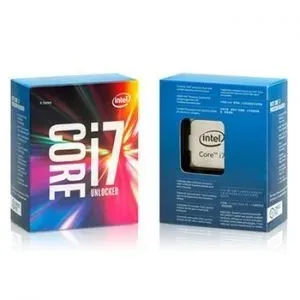
Intel i7 Broadwell-E CPU
So, let’s dive in… All the parts arrived. And what parts they were! Only the highest grade, Chinese made, silicon.
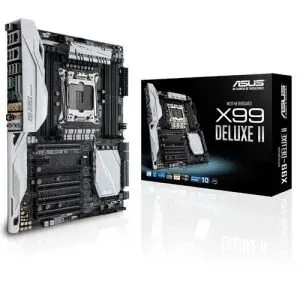
250Asus X99 Deluxe II
Quad channel memory, heaps of cores and that lovely power draw that dims the light on power on. So I decided to go with the Intel i7 Broadwell-E 6900K. Eight cores of pure 14-nanometre performance. One hundred and forty watts of power draw. Thats what I am talking about.
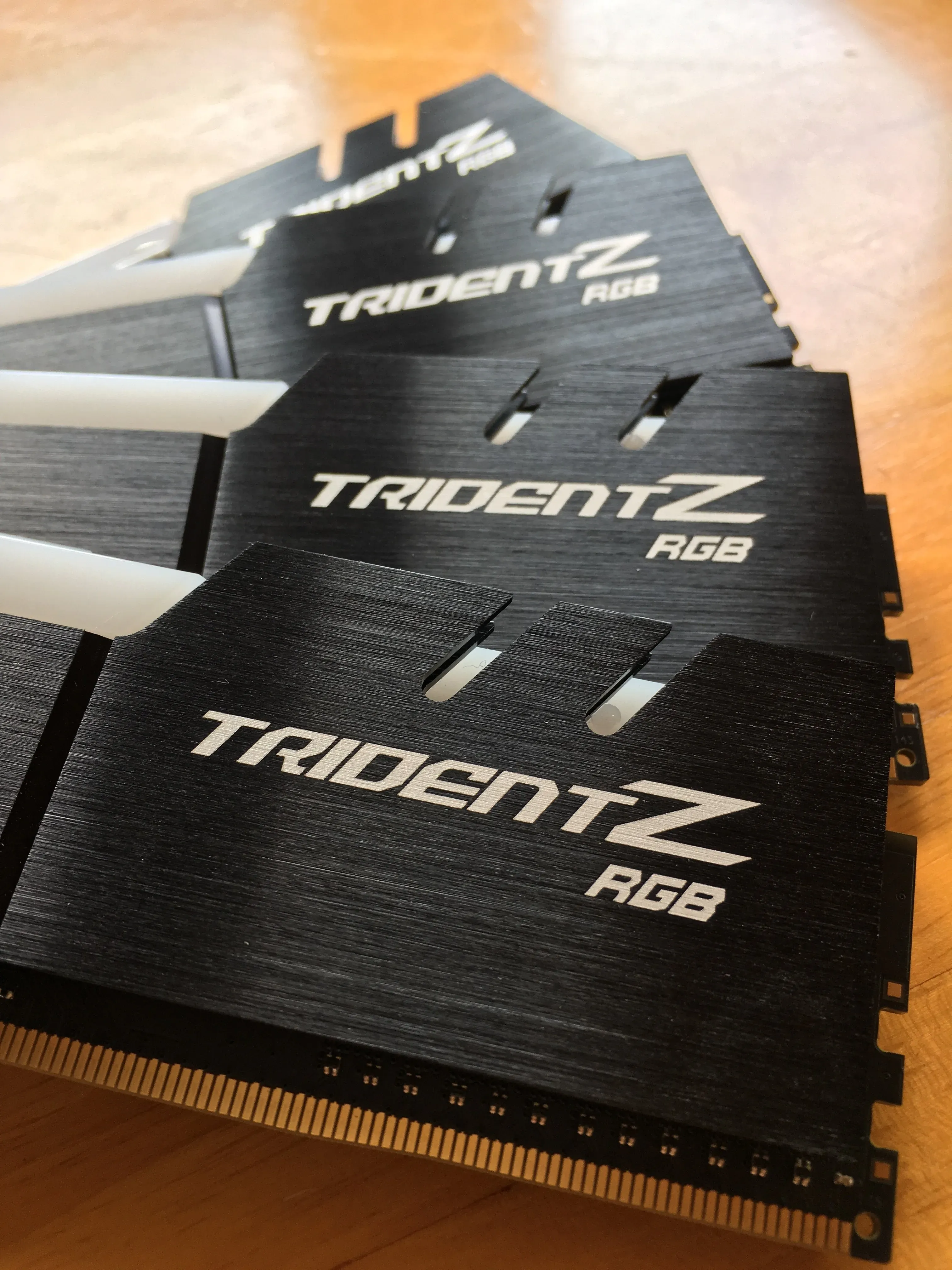
Next up, the RAM and the motherboard. These have to be bought together. For the motherboard needs to support the CPU and the RAM and the RAM has to be at speeds that the motherboard can reach and be compatible with the CPU. Its all just a game of cards really. An these parts are the glue that hold the cards together.
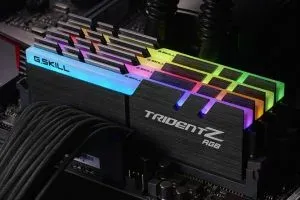
G.Skill Trident-Z - all 32GB of it!
Also, Asus Aura support to sync up the great LED’s on the board to the LEDs on the RAM. I chose G.Skill due to them having great overclocking potential and honestly being the fastest RAM in every. single. benchmark. Often beating out Kingston and others by a good 3 nanoseconds. Which, when it comes to RAM, is massive. You’ll just have to trust me, alright!
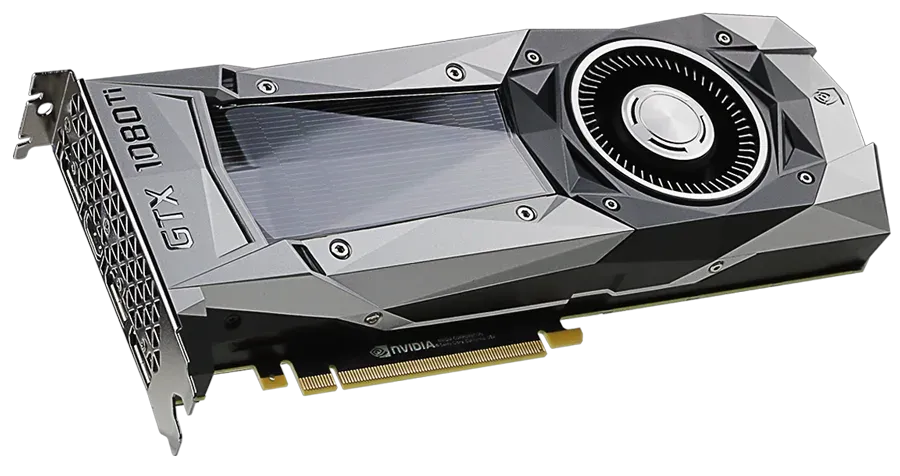
The Beast itself - The Nivida GTX 1080 Ti
You see, NVidia doesn’t sell to the public directly. They have a shell company that sells their pure reference cards called EVGA. For this lesson, all you have to remember is that EVGA is NVidia. So if you want the purest card, without all the extra lights, fans and free breakfast cereal that comes with other manufacturers, well you have one choice when it comes to the big green. The EVGA NVidia GTX 1080Ti. The Ti stands for amazing performance and the second best you can get if you do not want to spend $2999 USD on a graphics card…
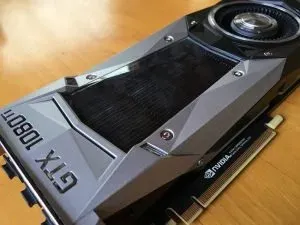
And there she is. Looking amazing and powerful as always. Eleven gigs of GDDR5 video RAM, 1480 MHz base clock and 3584 pixel pipelines all come together to give you a 484 GB/s of bandwidth on this beast. The angles of the cooling shroud have been quite divisive, but I am a fan (excuse the pun). It makes the card look similar to a fighter jet and that’s the epitome of speed!
So that’s pretty much all the yummy stuff, you’ll be thinking. But you’re wrong. You must power this beast. And for that, I went to Amazon because the specific power supply I wanted was not for sale in New Zealand. Thats right, the Americans were keeping this awesomeness for themselves.
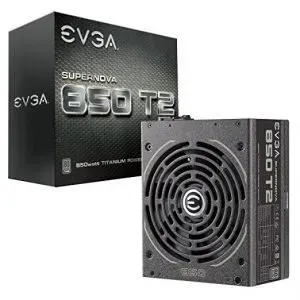
EVGA 850 T2 Super Nova
I paired it with some fantastic CableMod cables to spice up the build and give this computer some personality. You can really see the color theme I was trying to go for here. I wanted to do a black and white build and having matching PSU cables would just be amazing. I know, you’re never meant to see these cables, but they look cool.
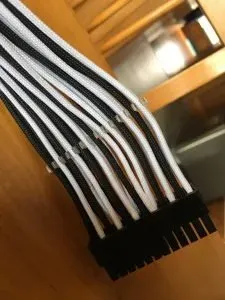
The cables that come with the EVGA PSU are probably the worst I have ever used in my entire life. Seriously. Do not buy them for their cables. In fact, EVGA should sell them without cables completely. Uh. I am getting flashbacks of building this with those cables and its giving me the heebie jeebies. Big props to CableMod. I love what they’re doing. Go support them now.
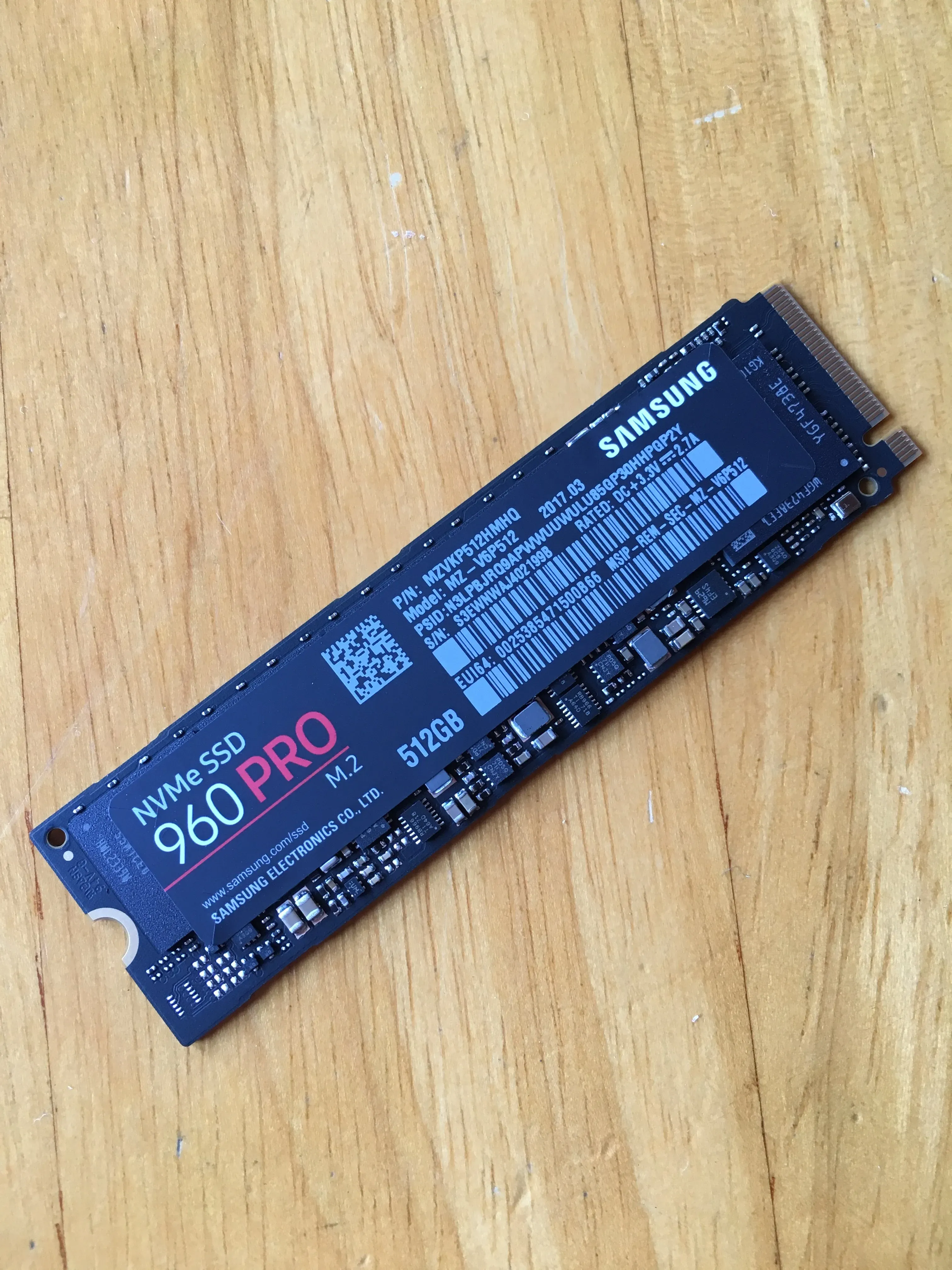
All this processing power needs some fast-as storage to support it. And no one wants to write to rust these days. Thats so 2013. The drives I decided to go with is the M.2 Samsung 960 Pro for the OS drive, and a typical Samsung 850 Evo 1TB for storage.
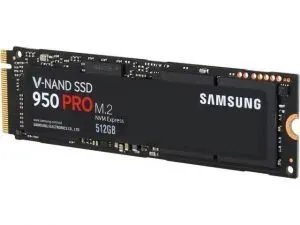
Due to my music being streamed from the cloud, Netflix having all my TV series and movies, and Steam/GoG/Origin/Windows Store remembering all my games for me, I don’t really need much local storage. (Ha, tell that to my new server - which is still to be built and will have about 20TB). So 512GB for OS on a super fast drive and everything else - games and OneDrive - on the 1TB.
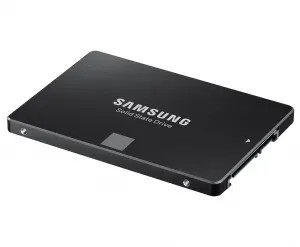
M.2 is amazing. It took me 5 minutes to install Windows. Thats power on, boot from flash drive, Windows install, to looking at the desktop. In fact, it almost made me a bit annoyed. I was hoping to get tea while it was doing that. But no. About four minutes and forty nine seconds was all it took for me to be looking at the desktop…
Now the housing… Every good computer has to have a nice house. All the components have to fit nicely and be happy and the air has move from point A to point B and make sure you haven’t just built a hot box.
For this task, I chose the InWin 904 Plus. Just look at it. Its gorgeous. Steel wrapped all the way around, air directly to the graphics card, space for water cooling all in a super clean aesthetic.
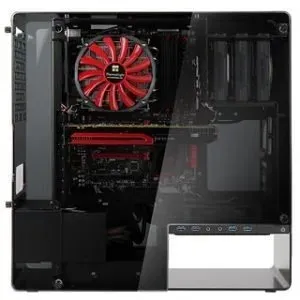
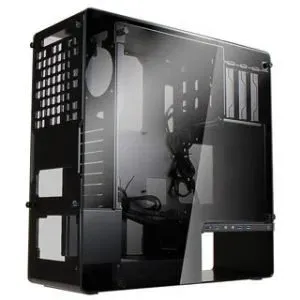
Tempered tinted glass on either side ensures only the parts with lights shine through, allowing you to highlight exactly what you do and none of what you don’t.
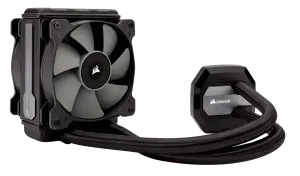
To cool the beast, I chose the Corsair H80i v2 All-in-one CPU cooler. And its so quiet. To be fair, I am only running it with one fan, and it seems to be doing a pretty good job of cooling 140 watts. I will say that I will
be replacing this with a smaller or slimmer all-in-one at some point as there are a few things (all to do with the way it looks) that I would like different.
For the case fan, the fantastic Corsair Magnetic Levitation 120mm (soon be upgraded to 140mm). This has the words “Magnetic Levitation” in its freaking name! Of course I needed one. And it looks cool too. Check them out!
The peripherals… I still do not have a keyboard I like enough to buy. I seems what I want, no one makes… Which is a pity. So I am still rocking my old G510 (with none of the software installed because who needs that bloatware - am I right!).
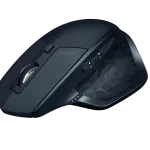
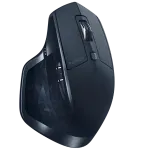
My mouse is the Logitech MX Master - Blue Edition. And its a thing of beauty. Not black and gold like some knock off. And not white like an iPhone. Its blue and beautiful. I was a bit dubious about getting a “Productivity Focused Mouse” for primarily gaming use, but I have to say, this mouse has waylaid all those fears. Its got weight, but its not heavy. For a Bluetooth mouse, its awesomely responsive and the battery lasts a good full month.
This was another thing that had to be ordered through Amazon. Those Yanks keep all the cool stuff for themselves.
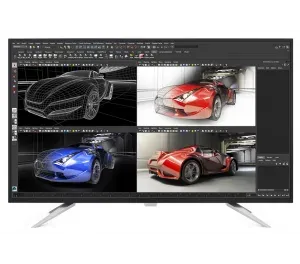
The monitor is the Philips 4K 43 inch with the super memorable name of BDM4350UC… As so far, I have been a little less than impressed with it. Its great having 42 viewable inches of screen real estate, and being able to run 4K without any scaling is awesome. But I ‘upgraded’ from the fantastic Samsung 28 inch 4K which - at 150% scaling - is super clear and heaps of room for everything, even if the screen elements are a little small. And nothing is quite like running DOOM at 4K60 on a massive screen. its a sight to behold. Strategy games are awesome but FPS is where it shines and becomes super immersive. Probably the closest you can get to VR without actual VR. (This might be an exaggeration…)
Ah. Now my favorite part. The speakers. I am super happy with my choice! Like, everyone should get them. For your PC, for your TV, for your Xbox. These should be everywhere. I have turned them up and been amazed at their quality. And as someone who pretends to be an audiophile (while listening almost exclusively to metal), I have not found fault at all with them. What are they? I hear you cry. Readers, I present to you the Audio Engine A5+. And yes, I have the white ones. Because they are beautiful. Thats why!

Sound coming out of these things is amazing, and I am just running them off the motherboard sound for now. I plan to get an amp at some point and rout them through that to really push them. At the moment, they are quietly blasting some Gojira, and sounding amazing. I haven’t even taken them up to 100% yet, but I think I have gotten close. I can’t recommend them enough. Worth every penny. Now to get some stands for them, and mount them on the wall…

This is what building the beast looked like…

And this was it starting up for the first time…
To see what it looks like now… Well, I will upload a picture with my next post. In that one I’ll go into what I am not so pleased with this build, what I would change if I knew what I know now and what I am looking to change in the future. But here’s a teaser…
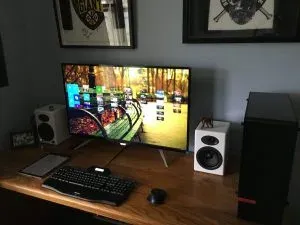
I hoped you enjoyed this unasked for deepish dive into my 2017 PC build. And now, some PC building eye-candy…
--
Kyle
Missing media
Missing image
Original reference: https://www.kyledunkerley.com/wp-content/uploads/2019/01/20171125_034426989_iOS-1024x767-1.jpg

Missing image
Original reference: https://www.kyledunkerley.com/wp-content/uploads/2019/01/20171006_015822234_iOS-1-1022x1024-1.jpg

Missing image
Original reference: https://www.kyledunkerley.com/wp-content/uploads/2019/01/20171006_020323695_iOS-1024x768-1.jpg

Missing image
Original reference: https://www.kyledunkerley.com/wp-content/uploads/2019/01/20171015_035256910_iOS-1024x768-1.jpg

Missing image
Original reference: https://www.kyledunkerley.com/wp-content/uploads/2019/01/20171015_075707747_iOS-1024x768-1.jpg

Missing image
Original reference: https://www.kyledunkerley.com/wp-content/uploads/2019/01/WP_20170722_12_24_49_Rich_LI-1024x769-1.jpg

Missing image
Original reference: https://www.kyledunkerley.com/wp-content/uploads/2019/01/Cores-1024x615-1.png

Missing image
Original reference: https://kylesweb.azurewebsites.net/wp-content/uploads/2018/07/Audio-Engine-A5.jpg
Missing image
Original reference: https://kylesweb.azurewebsites.net/wp-content/uploads/2018/07/20171006_014750674_iOS-1.jpg
Missing image
Original reference: https://kylesweb.azurewebsites.net/wp-content/uploads/2018/07/20171015_040850048_iOS-1.jpg
Your humble servant,
Kyle